



18th September 2026
How Should Pet Stores Choose a Smart Pet Feeder?
-
 author

A good smart pet feeder for an independent store is not simply the model with the longest feature list. It should solve a familiar customer problem, work with dry food the store already sells, and be easy for staff to explain. App setup, portion consistency, cleaning, backup power, and support all matter. The best choice earns its shelf space without creating avoidable returns.
Begin With the Customer Question
Start with what people actually ask in the shop. One customer may want breakfast served before sunrise. Another may need a midday portion while working away from home. A third may be trying to stop a cat from eating one large bowl too quickly. Those are clearer signals than “I want more technology.”
Staff can then connect schedules and portion settings to a routine the customer understands. It also keeps buyers from paying for features local shoppers rarely request. Review a month of customer questions and note whether convenience, portion control, travel, or reassurance appears most often.
Match a Smart Pet Feeder to Food on Your Shelves
Food compatibility deserves a bench test. Kibble varies in diameter, shape, oil, and tendency to crumble. A feeder that handles small round pieces may behave differently with a flat recipe. Use several popular foods, weigh repeated dispenses, and look for bridging, dust, or pieces caught near the outlet.
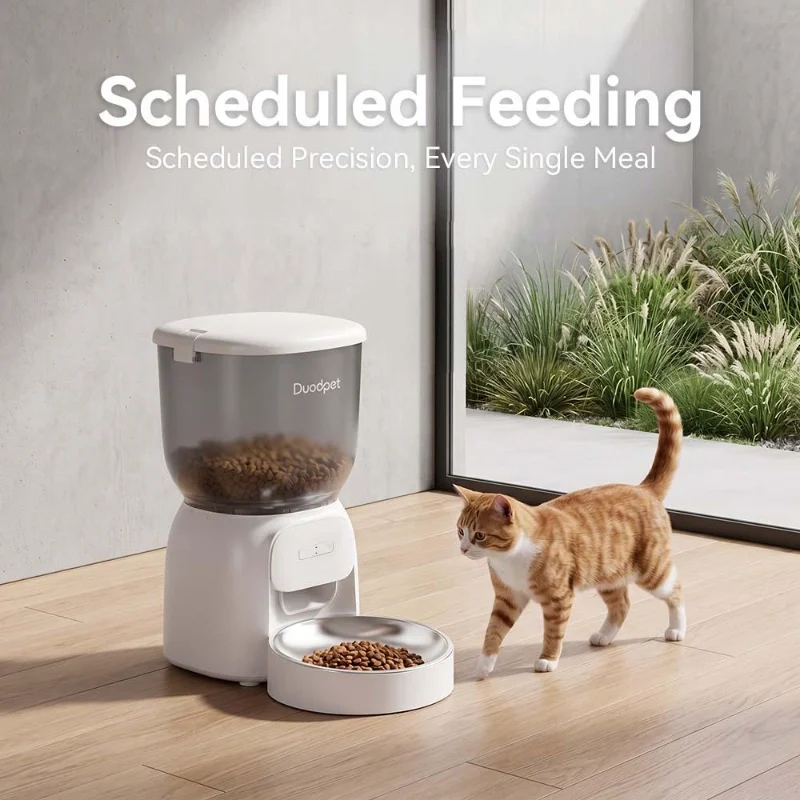
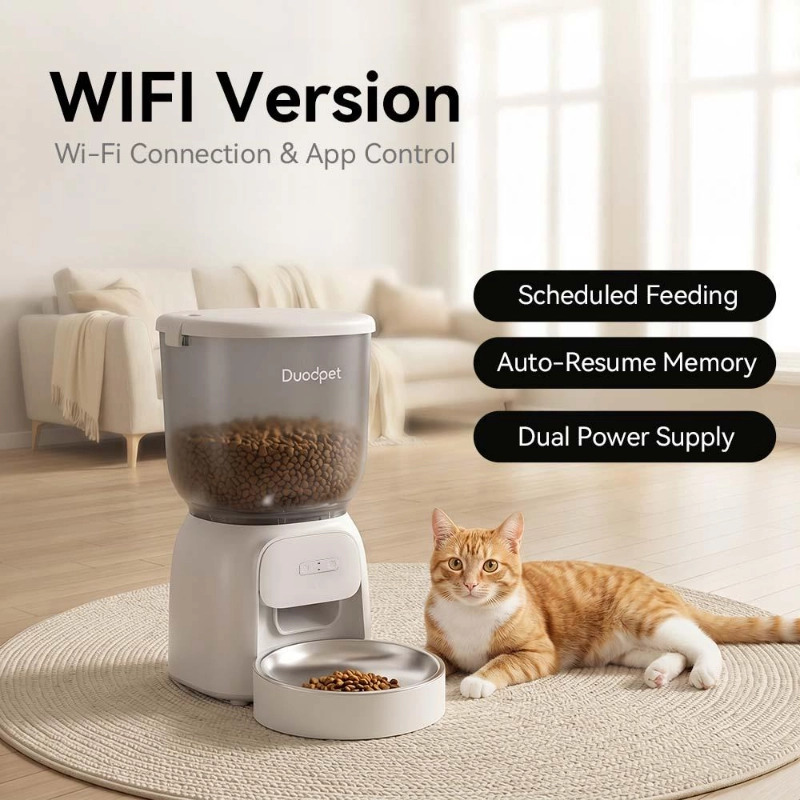
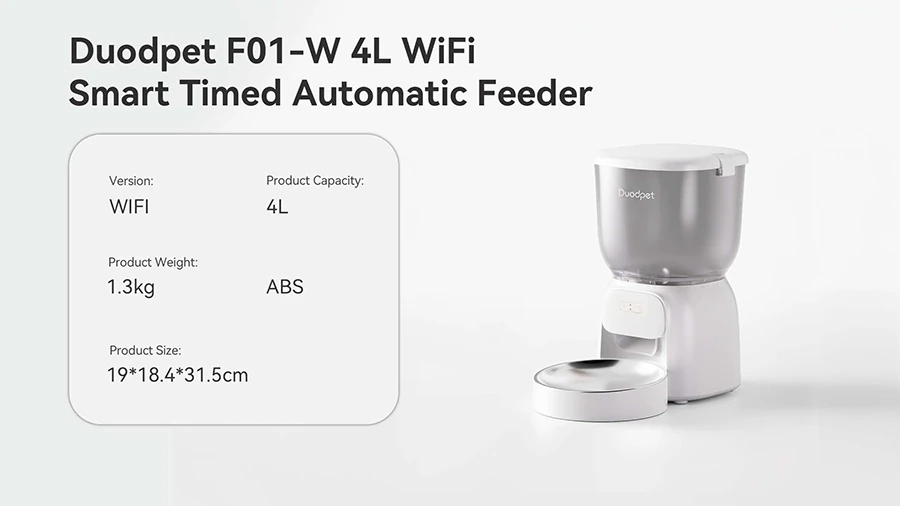
The DUODPET F01-W 4L WiFi smart timed feeder is specified for dry food measuring 3–12 mm. That range is useful screening information, but it does not replace testing with the exact foods customers buy. Keep a note of the recipes that work cleanly so employees can give a practical answer instead of a vague assurance.
Check Portion Behavior, Not Just Portion Settings
An app may display a neat number, yet the serving can shift with kibble size and density. Run the same setting at least ten times, weigh each result, then repeat after the hopper is partly emptied. The goal is not laboratory perfection. It is to understand the variation well enough to set honest expectations.
DUODPET specifies portions of about 10 g, with a stated tolerance of plus or minus 2 g for the F01-W. Store staff should still explain that a “portion” is a feeder setting, not a universal calorie measure. Customers managing a veterinary diet or a precise daily intake should calculate meals from the actual food label and their veterinarian’s guidance.
Make the App Demonstration Part of Buying
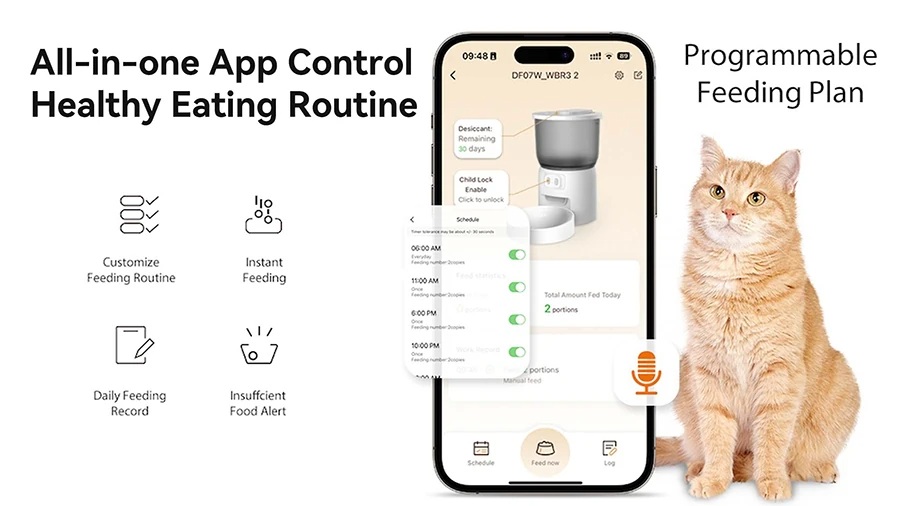
A smart pet feeder becomes harder to sell when setup feels mysterious. Unbox the sample as a customer would. Connect it, build a schedule, trigger a manual feed, change a meal, and review the record. Note any step that could slow someone down at home.
The F01-W uses 2.4 GHz Wi-Fi and allows remote scheduling through its app. A small counter card can mention the network requirement before purchase. Better still, let a staff member complete the setup from a fresh account. That short rehearsal reveals whether instructions, screens, and pairing behavior are clear enough for the people who will answer support calls.
Verify What Happens When Power or Wi-Fi Drops
Customers often assume “smart” means constant internet is required. Staff should know what continues locally after a schedule is saved, what needs the app, and how the device reports a problem. Test a brief Wi-Fi interruption, then repeat with mains power removed, following the instructions.
The F01-W can use a 5 V adapter and three D-cell batteries as backup; the batteries are not included. That detail belongs in the sales explanation because it affects the customer’s first-day experience. A clear backup-power story is valuable, but it should never be presented as permission to leave a pet unattended beyond a responsible care plan.
Look at Cleaning Through a Customer’s Eyes
Cleaning is where a clever product becomes an everyday product—or gets pushed aside. Check how the hopper, lid, outlet area, and bowl come apart, which pieces may be washed, and which electrical parts should only be wiped. Reassemble the sample and see whether seals sit correctly.
The F01-W uses a 304 stainless steel bowl and removable food-contact parts. In store, a clean disassembly display can be more persuasive than another app screenshot. It shows the surfaces a shopper will handle every week and gives staff a natural moment to explain drying, reassembly, and the importance of keeping the main unit away from water.

Build a Small Assortment With Clear Differences
Independent stores rarely need six nearly identical feeders. A tighter range is easier to stock and easier to teach. One dependable Wi-Fi model can cover scheduled feeding for many cat and small-dog households. A second option should earn its place through a genuinely different use case, price level, or capacity—not a minor cosmetic change.
Compare candidates across the same questions: food fit, useful capacity, schedule flexibility, app setup, backup power, cleaning, warranty handling, spare parts, and packaging clarity. The broader DUODPET feeder range can help buyers see which features create a meaningful step between models. Write the differences in customer language, then train staff to recommend the simpler option when it already solves the need.
Treat the First Order as a Learning Order
Before committing to volume, use a sample and a modest opening order. Record setup questions, exchanges, food issues, and staff comments. If the product sits untouched, check whether the display explains a real problem or merely repeats specifications.
Buying terms matter too. Confirm lead time, minimum order quantity, packaging, manuals, warranty workflow, replacement parts, and who handles technical questions. Retailers considering a direct relationship can review DUODPET’s distribution partnership information while they assess fit. A smart pet feeder is a small appliance as well as a pet product; support quality is part of what the store is putting its name behind.
FAQs
Q: What is the most important feature in a smart pet feeder?
A: Reliable dispensing with the customer’s usual dry food comes first. App controls are useful, but they cannot compensate for poor food compatibility or inconsistent delivery. Test several popular kibble shapes, confirm the supported size range, and make sure staff can explain how a feeder portion relates to the food’s actual weight.
Q: Should a small pet store stock a feeder with many advanced features?
A: Only when local customers understand and value those features. A straightforward model with clear scheduling, backup power, simple cleaning, and dependable support may sell more comfortably than an overloaded device. Start with one strong core option, then add a second model only when it serves a distinct customer need.
Q: How should a retailer test a smart pet feeder sample?
A: Run repeated portions with several store-stocked foods, set up the app from scratch, interrupt Wi-Fi and mains power, and take apart the washable components. Record what happens instead of relying on a single successful feed. The notes will improve purchasing decisions, staff training, product displays, and customer expectations.